Free QR Generator Tool for Events, Links, Text, vCards & More
Need a fast, reliable way to share information without typing long links or details? Our free QR generator tool lets you turn any data into a scannable QR code in just a few seconds – no account required, no downloads, and completely free forever.
Free QR Generator Tool: Create Professional QR Codes Instantly
Whether you’re promoting an event, sharing a website link, sending contact details or setting up Wi-Fi access, this free QR generator tool was built to be quick, flexible and completely free to use.
What Can You Create With This Free QR Generator Tool?
Our free QR generator tool currently supports multiple popular QR code types:
Event QR Codes Encode event name, date, time and location. When scanned, the code can add the event directly to the user’s calendar – perfect for invitations, posters and tickets.
Link / URL QR Codes The most popular use of any free QR generator tool. Paste any website, landing page or social profile and get an instant QR code that opens the link when scanned.
Text QR Codes Share plain text, instructions or short messages without needing an internet connection.
vCard QR Codes Create a digital business card. Users can save your name, phone, email, company and address with a single scan.
Additional options Email, Location, WhatsApp, WiFi and Zoom QR codes are also available inside the tool.
Customize Your QR Code with Advanced Style Options
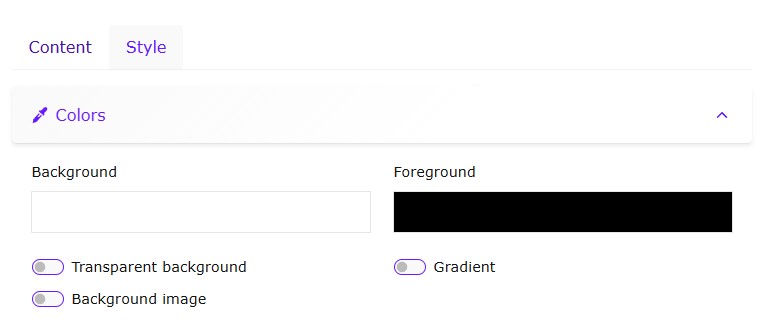
This free QR generator tool goes beyond basic black-and-white codes. You can fully personalize your design with:
Custom foreground and background colors
Rounded, dots or other pattern styles
Center logo or icon
Frames and call-to-action labels
All styling options keep the QR code fully scannable while matching your brand.
How to Use the Free QR Generator Tool (3 Simple Steps)
Choose the type of QR code you need (Event, Link, Text, vCard, WiFi…).
Fill in the required information and apply your preferred style.
Press Update to generate the QR code.
Click Download and choose whether you want to save it as PNG, SVG, PDF or print it directly.
No registration, no watermark, unlimited generations.
Try the Free QR Code Generator Tool Below
Loading...
E-mail
Link
Location
Search an address or drag the marker to adjust the position and get the coordinates
Text
V-card
WhatsApp
WiFi
Zoom
Your Data Privacy Matters
We take privacy seriously. Any information you enter into this free QR generator tool is never stored on our servers for longer than 24 hours and is automatically deleted afterward. The tool is, and will always remain, 100% free , no subscriptions or hidden fees.
Frequently Asked Questions
Is this QR generator tool really free to use?
Yes. This free QR code generator has no subscription, no usage limits, and no hidden charges. You can generate as many QR codes as you need.
How long is my data stored after I generate a QR code?
Your data is automatically deleted within 24 hours. We do not keep any personal information longer than necessary.
Can I change the color and design of my QR code?
Yes. The custom QR code style option lets you adjust colors, shapes, and even add a logo, so your QR code can match your brand or personal style while staying fully scannable.
Which option should I use for sharing my contact details?
Use the vCard QR code generator option. It lets visitors save your name, phone number, email, and company details directly into their phone contacts with a single scan.
Get the latest news!
Useful tips directly to your inbox – once a week, free of charge.
Conclusion
If you need a reliable free QR generator tool for events, links, text, vCards or WiFi, this online tool covers all the essentials and lets you design professional-looking codes in seconds.
We’re constantly improving the tool and planning to add more free utilities to the Tools section.
Have a feature request? Leave a comment below – we read every suggestion.